VS Code Quietly Added Copilot as Git Co-Author: What Happened and How It Was Fixed
Overview
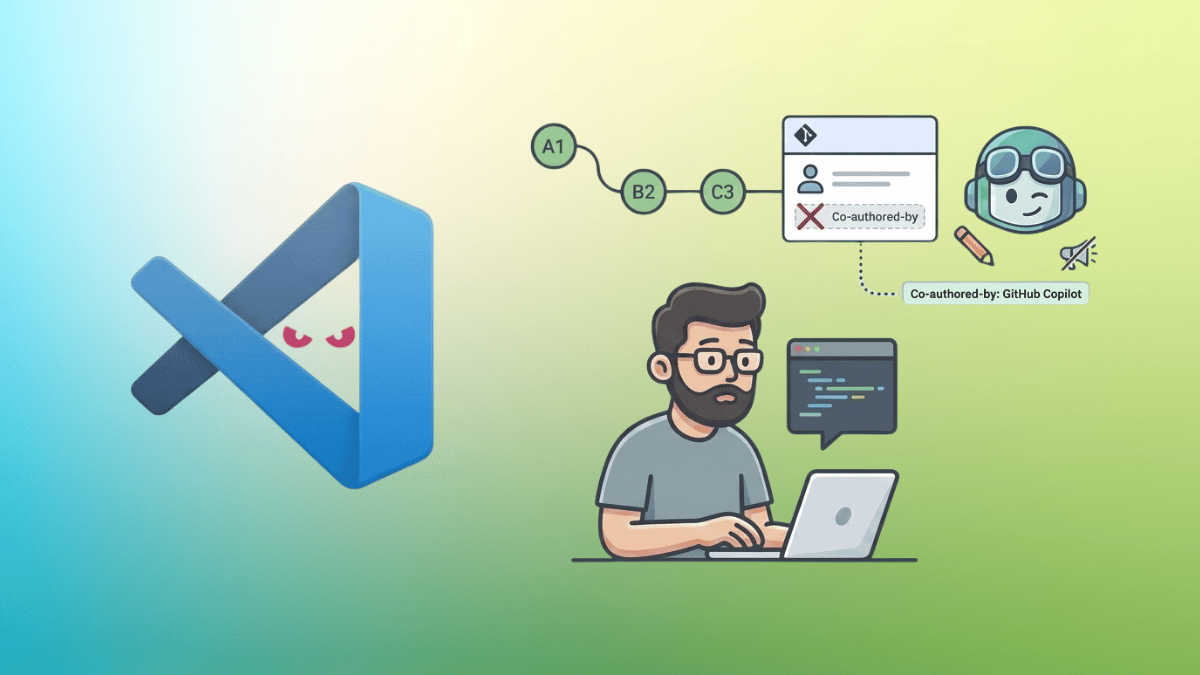
In a move that caught many developers off guard, Microsoft's Visual Studio Code (VS Code) recently started appending a Co-authored-by: Copilot line to Git commits—even those composed entirely without AI assistance. The feature, designed to attribute AI-generated code, was silently enabled by default in a mid-April update, sparking confusion and frustration across the developer community. This article breaks down the chain of events, the user impact, and the swift fix that has since been applied.
The Change: From Opt-In to Default-On
The setting at the center of the controversy is git.addAICoAuthor, introduced in VS Code version 1.110 back in March 2025. Initially, this feature was set to off by default, meaning users had to explicitly enable it if they wanted Copilot credited in their commit history. The default value changed in April when Courtney Webster, a Product Manager at Microsoft, submitted a pull request (PR) that flipped the default from off to all.
The PR was reviewed and merged by VS Code team member Dmitriy Vasyura on April 16. No release note, changelog entry, or user-facing notification accompanied the change. The all setting is the broadest option available: it adds the Copilot trailer to every commit that involves any form of AI interaction, including inline completions. Once the default was switched, anyone who had not manually configured the setting suddenly found Copilot credited in their Git history.
User Impact: Unexpected Behavior and Lack of Notification
The rollout caused several unexpected issues. Developers reported that the credit line (or trailer) was appearing even when chat.disableAIFeatures was set to true, a setting intended to turn off all AI functionality. Additionally, the trailer is appended to the commit only after the commit finalizes—it does not appear in VS Code's commit message editor beforehand. This left users with no opportunity to review or remove the line before it was etched into their Git history.
Inconsistencies Reported by Users
- One developer replaced Copilot’s generated commit message with their own manually written message, committed, and still found the Copilot co-author line sitting in the log.
- Another user noted that the trailer appeared even when Copilot had not been used in any way during the session.
- The lack of a notification meant many developers only discovered the change weeks later when reviewing their commit history.
The Fix: Apology and PR #313931
Dmitriy Vasyura, the VS Code team member who approved the original PR, addressed the backlash on Hacker News under the username dmitriv. He apologized for mistakenly enabling the feature by default without sufficient scrutiny, and clarified that there was no ill intent—rather, a desire to support a feature that some customers expect from VS Code regarding AI-generated code, similar to what other tools do.

The fix, now live on VS Code’s GitHub repository as PR #313931, reverts git.addAICoAuthor back to off by default. It also corrects the detection issue that caused the trailer to appear even when Copilot was not in use. This change is expected to land with the upcoming VS Code 1.119 release.
What’s Next for VS Code Users
Until the fix ships in version 1.119, users who wish to prevent the Copilot co-author trailer from appearing in their commits can manually set git.addAICoAuthor to off in their VS Code settings (settings.json). The VS Code team has acknowledged the incident and reiterated its commitment to transparency regarding features that affect user data and Git history.
This episode serves as a reminder of how quickly default settings can change—and the importance of release notes and user notifications, especially when a feature touches version control systems. As AI integration deepens, developers will likely demand clearer boundaries between human and machine authorship.
Related Articles
- Mastering Spring AI: Your Comprehensive Q&A Guide
- Python 3.15.0 Alpha 6 Launches with Major Performance Boosts and New Profiler
- Everything You Need to Know About the Python Insider Blog's Relocation
- From QDOS to Open Source: The Story Behind Microsoft's Earliest DOS Code Release
- Exploring Python 3.15.0 Alpha 2: Key Features and Developer Insights
- Go 1.26 Unveils Source-Level Inliner: Self-Service API Migrations Now Possible
- Python 3.15.0 Alpha 6: What You Need to Know
- GDB Source-Tracking Breakpoints: A Smarter Way to Debug Evolving Code