Upgrade to Ubuntu 26.04 LTS Now Open for Ubuntu 25.10 Users
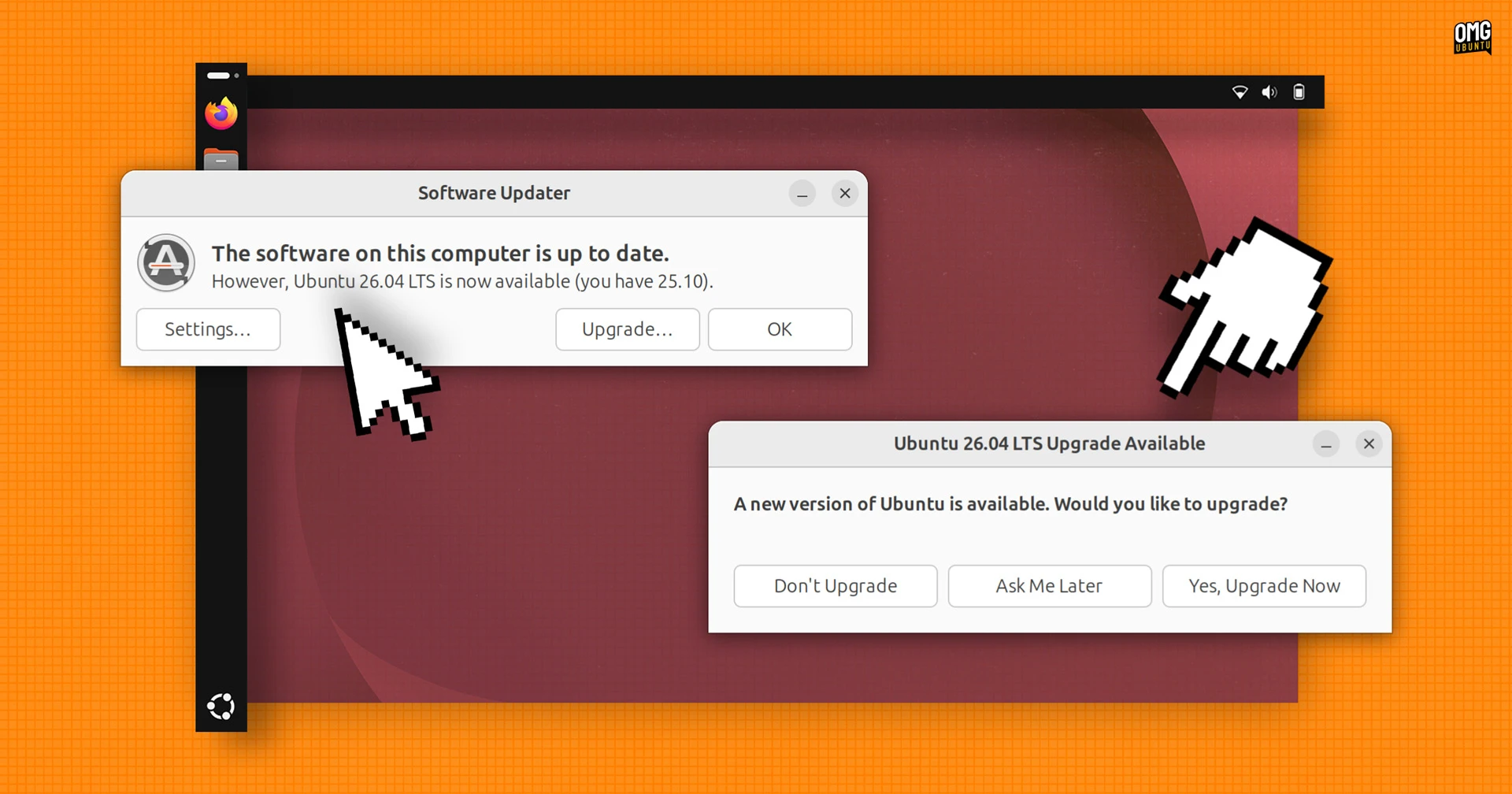
The upgrade path to Ubuntu 26.04 LTS, codenamed 'Resolute Raccoon', is now officially available for users running Ubuntu 25.10. With support for Ubuntu 25.10 scheduled to end in July, it is strongly recommended to begin the upgrade process as soon as possible to ensure continued security updates and access to the latest features.
What's New in Ubuntu 26.04 LTS
Released on April 23, Ubuntu 26.04 LTS brings a host of significant enhancements under the hood and at the desktop level. This long‑term support release is designed to deliver stability, performance, and modern tooling for both end users and developers.

GNOME 50 and Linux 7.0
The most prominent upgrade is the integration of GNOME 50, which introduces a refined user interface, improved multitasking, and better performance. Coupled with Linux 7.0, the kernel brings expanded hardware support, enhanced security, and optimizations for the latest processors and graphics cards.
New Default Apps and Folder Icons
Ubuntu 26.04 LTS ships with a refreshed set of default applications, providing a more cohesive out‑of‑box experience. The folder icons have been completely redesigned, offering a modern, clean look that matches the overall aesthetic of the desktop. In addition, visual password feedback has been added for sudo commands, making it easier to verify your input while maintaining security.
Security and Developer Enhancements
The GNOME Shell Overview now includes quick access to the Snap Store and web search capabilities, streamlining how you find and launch applications. For developers, Ubuntu Pro can now be enabled directly from the Security Center, providing extended security maintenance and compliance tools. Furthermore, both NVIDIA CUDA and AMD ROCm are now available directly in the official archives, simplifying setup for machine learning and GPU‑accelerated workloads.
Why You Should Upgrade Before July
Ubuntu 25.10 will reach its end‑of‑life in July, meaning no further security patches or software updates will be provided. Upgrading to 26.04 LTS ensures you receive at least five years of support, plus the ability to enable Ubuntu Pro for even longer coverage. The upgrade process is straightforward, but allowing ample time helps avoid last‑minute issues.
How to Upgrade from Ubuntu 25.10
To upgrade to Ubuntu 26.04 LTS, open the Software & Updates application from the system menu. Go to the Updates tab, then check that 'Notify me of a new Ubuntu version' is set to 'For any new version'. After that, run the following command in a terminal:
sudo do-release-upgrade -dFollow the on‑screen prompts. Ensure you have a recent backup before proceeding, as major upgrades can occasionally cause unexpected behavior. The upgrade may take some time depending on your internet speed and system configuration.
Once complete, you can verify the upgrade by running lsb_release -a in the terminal. You will see 'Ubuntu 26.04 LTS' displayed.
This article is based on the original post at OMG! Ubuntu. Please do not reproduce elsewhere without permission.
Related Articles
- How to Upgrade to Fedora Workstation 44 and Explore Its New Features
- How to Supercharge Your Linux Per-Core I/O Performance by 60%: A Step-by-Step Guide Inspired by Jens Axboe's Latest Patches
- How to Master Open Source News with LWN.net's Weekly Edition
- Upgrading Fedora Silverblue to Fedora Linux 44: A Step-by-Step Guide
- Major Linux Distributions Release Critical Security Patches
- AMD's Linux Driver Pull Request Paves Way for HDMI 2.1 FRL Support
- How to Test Sealed Bootable Container Images for Fedora Atomic Desktops
- Why New Linux File-Systems Face Higher Hurdles: Q&A on Kernel Guidelines